Seedance 2.0
CoreBalanced cinematic generation for text-to-video and image-to-video workflows.
Text + image
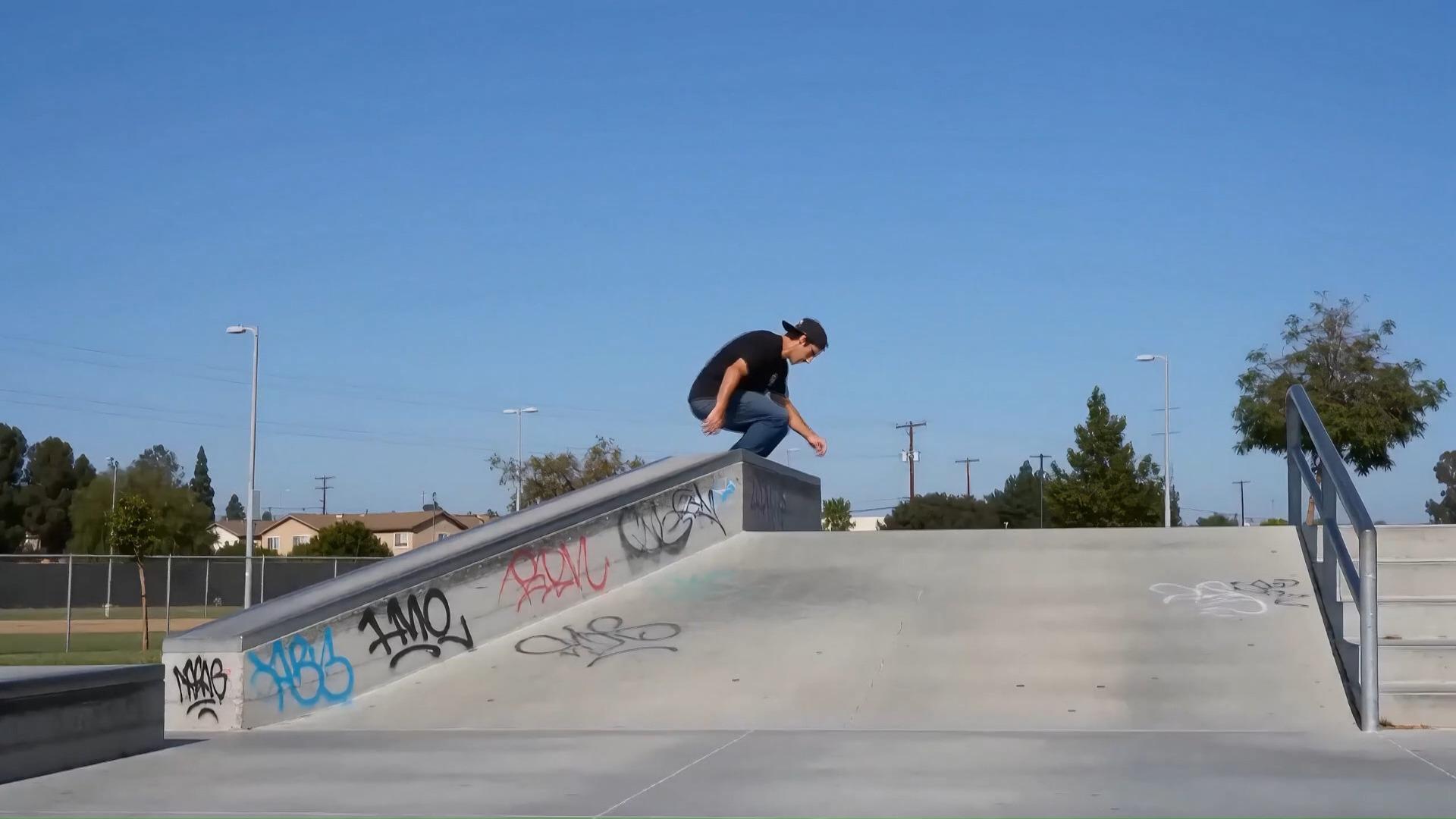
Generate cinematic videos from text, images and prompts using Seedance, Kling, Veo and other advanced AI video models.
SeeDanceE2 is an independent platform and is not affiliated with or officially operated by Seedance, ByteDance, OpenAI, Google, Kling, Wan, xAI, or any upstream model provider.
Model overview
Balanced cinematic generation for text-to-video and image-to-video workflows.
Standard generation for fast drafts, product motion, and daily creative tests.
Kling 2.6 image-to-video and Kling 3.0 text/image generation with required native audio.
Premium model options for cinematic scenes and high-value creative exploration.
Showcase
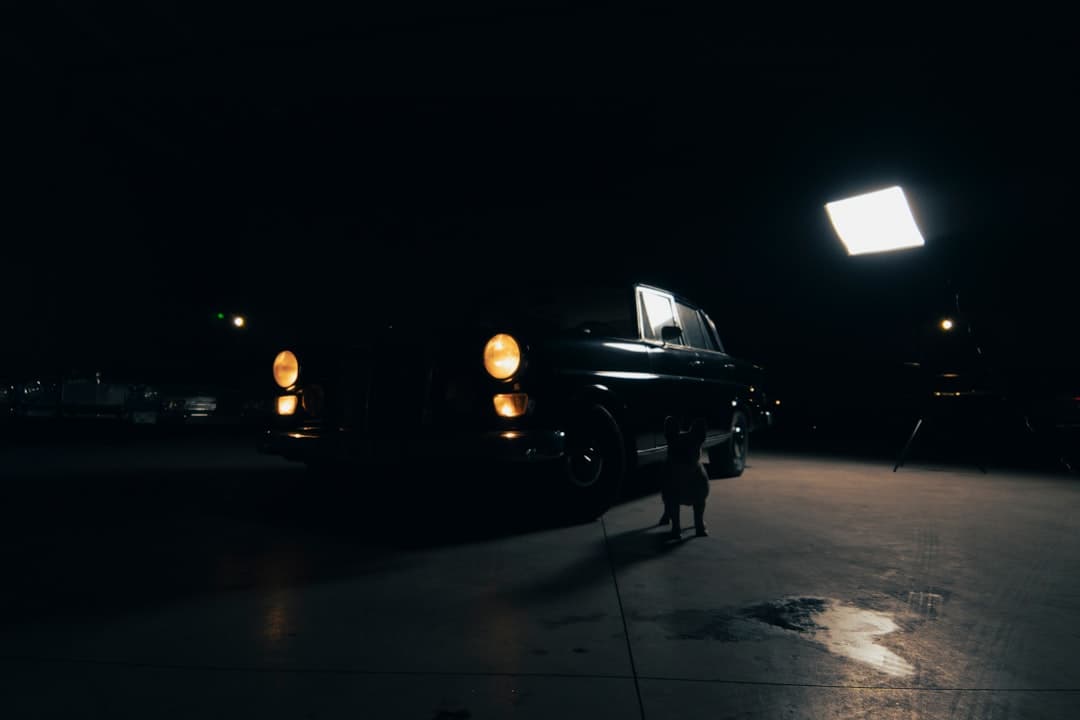
Browse cinematic outputs across text-to-video, image-to-video, product motion, social clips, and brand storytelling formats.
Features
Compare supported video models in one workspace instead of rebuilding the same prompt across separate tools.
Use lower-cost models for drafts and premium models for shots that need stronger motion, quality, or visual polish.
Credit estimates change by model, quality, duration, and generation type so users can choose speed, quality, or budget before generating.
Start from a written prompt or bring a reference frame, product image, portrait, or visual concept into image-to-video generation.
Create clips for ads, social posts, landing pages, storyboards, product visuals, and campaign review without watermarks on paid output.
SeeDanceE2 is moving toward a broader AI video platform with model-based credits, workspace controls, and developer-friendly public API docs.
Use Cases
Choose fast models for drafts, premium models for cinematic shots, and image-guided models when a reference frame matters.
Prototype scenes, camera language, atmosphere, and story beats before full production begins.
Generate launch concepts, brand motion, paid social creative, and ad-ready visual directions faster.
Create short-form cinematic clips for reels, shorts, teasers, and repeat publishing workflows.
Turn product stills and creative references into premium product videos and landing page motion.
Explore mood, composition, motion, and visual style across multiple creative directions from one idea.
Build concept visuals, lesson scenes, and explainer clips that make abstract topics easier to show.
How It Works
Move from idea to output while choosing the model, input type, quality, and credit cost that fit the job.
Choose text-to-video or image-to-video, then select the model that fits speed, quality, and cost.
Review the estimated credits for model, quality, duration, and number of videos before submitting.
Create the clip, compare outputs, download the best result, and keep useful prompts for the next iteration.
Credits
Use one credit balance across supported models. Higher-cost models consume more credits; fast draft models stay lighter.
One-Time Credits
No subscription required. Buy credits once, use them whenever you want. Credits never expire.
A flexible credit top-up for extra generations.
More credits for regular AI video production.
A larger credit pack for campaign and content batches.
High-volume credits for production teams.
The largest public top-up pack for serious output.
FAQ
Social Proof
Trusted by creators, marketers, and production professionals
“The scene quality is stable enough for campaign production. We shipped three ad variants in one day.”
“Prompt control is practical and the outputs feel editorial, not synthetic. It fits our brand pipeline.”
“We replaced multiple fragmented tools with one workflow. The speed gain alone paid for the upgrade.”
“The scene quality is stable enough for campaign production. We shipped three ad variants in one day.”
“Prompt control is practical and the outputs feel editorial, not synthetic. It fits our brand pipeline.”
“We replaced multiple fragmented tools with one workflow. The speed gain alone paid for the upgrade.”
“The workspace is simple enough for rapid iteration but deep enough for real production standards.”
“Lumière replaced our entire pre-vis pipeline. We went from 3-week storyboard cycles to same-day visual concepts. The cinematic quality is genuinely stunning.”
“We produce 10x more ad variations now. The style control lets us dial in exact brand aesthetics and generate at scale without compromising quality.”
“As a solo filmmaker, this is a game-changer. I previsualize entire short films before touching a camera. Character consistency across scenes is remarkable.”
“The audio-reactive generation mode is insane. I feed in a track and get visual concepts that feel like the music. My artists are blown away every single time.”
“A 15-second product video used to cost us ¥5,000 minimum — photographer, set design, post-production. Now I upload product images and get camera-moving 720P showcase videos in minutes. Saving tens of thousands per month.”
“We run courses in English, Japanese, and Spanish. With multilingual lip-sync, one virtual instructor teaches in 8 languages. Translation + dubbing + lip sync — all in one step. Game changer for global education.”
“Seedance 2.0 produced full cinematic storyboard previews for my concept short film — multi-shot narrative with seamless wide-to-close transitions that perfectly matched a director's vision. What used to take two weeks of outsourcing, I finished in one afternoon.”
“We fed game scene concept art into Seedance 2.0 and got camera-moving gameplay-demo-style videos in minutes. Perfect for investor roadshows and social media teasers — at near-zero cost."”
“I use my own photo as a virtual avatar with cloned voice to generate talking-head videos with lip sync. Character consistency is excellent — every version of 'me' looks the same. One person now produces what used to require a three-person team ”
“I typed 'Create a cinematic Lanzhou noodle advertisement' and Seedance 2.0 staged the whole process — kneading, pulling, ladling — and chose slow-motion shots on its own. No storyboard script, no director needed. It thinks like a director.”
“The scene quality is stable enough for campaign production. We shipped three ad variants in one day.”
“Prompt control is practical and the outputs feel editorial, not synthetic. It fits our brand pipeline.”
“We replaced multiple fragmented tools with one workflow. The speed gain alone paid for the upgrade.”
“The workspace is simple enough for rapid iteration but deep enough for real production standards.”
“Lumière replaced our entire pre-vis pipeline. We went from 3-week storyboard cycles to same-day visual concepts. The cinematic quality is genuinely stunning.”
“We produce 10x more ad variations now. The style control lets us dial in exact brand aesthetics and generate at scale without compromising quality.”
“As a solo filmmaker, this is a game-changer. I previsualize entire short films before touching a camera. Character consistency across scenes is remarkable.”
“The audio-reactive generation mode is insane. I feed in a track and get visual concepts that feel like the music. My artists are blown away every single time.”
“A 15-second product video used to cost us ¥5,000 minimum — photographer, set design, post-production. Now I upload product images and get camera-moving 720P showcase videos in minutes. Saving tens of thousands per month.”
“We run courses in English, Japanese, and Spanish. With multilingual lip-sync, one virtual instructor teaches in 8 languages. Translation + dubbing + lip sync — all in one step. Game changer for global education.”
“Seedance 2.0 produced full cinematic storyboard previews for my concept short film — multi-shot narrative with seamless wide-to-close transitions that perfectly matched a director's vision. What used to take two weeks of outsourcing, I finished in one afternoon.”
“We fed game scene concept art into Seedance 2.0 and got camera-moving gameplay-demo-style videos in minutes. Perfect for investor roadshows and social media teasers — at near-zero cost."”
“I use my own photo as a virtual avatar with cloned voice to generate talking-head videos with lip sync. Character consistency is excellent — every version of 'me' looks the same. One person now produces what used to require a three-person team ”
“I typed 'Create a cinematic Lanzhou noodle advertisement' and Seedance 2.0 staged the whole process — kneading, pulling, ladling — and chose slow-motion shots on its own. No storyboard script, no director needed. It thinks like a director.”