Long Video AI Generator: How to Create Longer AI Videos with Consistent Scenes
Longer AI videos are harder than short clips. A four-second shot can look impressive even if the story is thin. A longer video needs structure, continuity, character consistency, and a clear plan for how one scene connects to the next.
That is why a long video AI generator should not be treated like a one-shot prompt box. The better approach is to plan the video as a sequence.
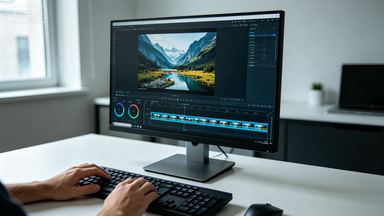
SeedanceE2 is useful for this because it combines text-to-video, image-to-video, and multiple AI video models in one workspace. You can use Seedance 2.0 as a balanced baseline, then compare other available models when a specific scene needs a different motion style or production feel.
What Is a Long Video AI Generator?
A long video AI generator helps creators produce videos that go beyond a single short clip. The goal is not only length. The goal is continuity.
A longer AI video needs stable characters, consistent visual style, clear scene order, controlled camera movement, reusable references, better prompt structure, and a review process for each segment.
Without this structure, the video may drift. Characters change, lighting shifts, the setting becomes inconsistent, and the final result feels like several unrelated clips.
Why Longer AI Videos Are Difficult
Most AI video mistakes become more visible as the video gets longer.
Common problems include character identity changes between scenes, clothing or props drift, random camera direction, weak story progression, product shape changes, inconsistent lighting, and scenes that feel like different campaigns.
The fix is not to ask for everything in one giant prompt. The fix is to build the video scene by scene.
Step 1: Write a Short Scene Plan
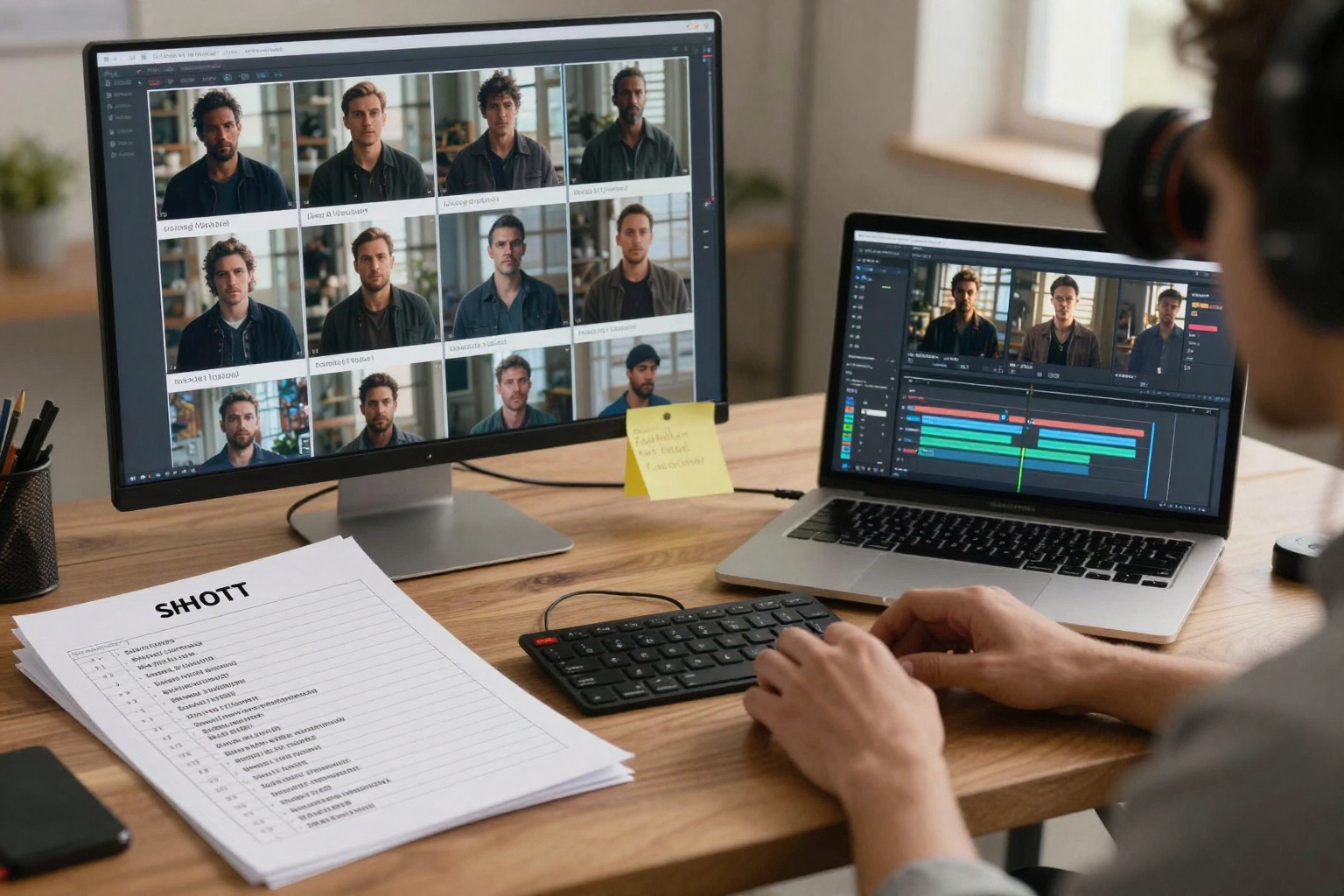
Before generating, write a simple shot list.
Example:
- Opening establishing shot
- Character introduction
- Product or action moment
- Transition shot
- Final hero shot
Each scene should have one job. If a scene tries to introduce the character, explain the product, change location, and add dramatic motion all at once, consistency will suffer.
Step 2: Choose Text-to-Video or Image-to-Video
Use Text to Video when you are exploring the story world, camera language, or mood.
Use Image to Video when character or product consistency matters.
For long videos, image-to-video is often the safer production workflow because each scene can reuse a reference frame.
A practical sequence looks like this:
- Use text-to-video for early concept exploration.
- Choose the strongest visual direction.
- Create or select reference images.
- Use image-to-video for the final scene-by-scene generation.
- Review continuity after each clip.
Step 3: Create a Reusable Identity Block
For character-driven videos, write one identity block and reuse it in every prompt.
Example:
same young woman with short black bob hair, amber jacket, white shirt, small silver earrings, calm confident expression
Do not rewrite this differently for every scene. Changing the wording gives the model more room to reinterpret the character.
For product videos, use a product preservation block:
preserve the exact product shape, packaging color, label position, and main silhouette
This keeps each scene grounded.
Step 4: Prompt One Scene at a Time
Each scene prompt should include preserve, action, camera, lighting, and constraints.
Example prompt:
Preserve the same woman with short black bob hair, amber jacket, and white shirt. She walks slowly into a quiet studio space and looks toward the product table. Slow tracking shot, soft cinematic daylight, realistic motion, no outfit changes, no extra people, no face morphing.
This prompt is manageable. It does not ask the model to create an entire film in one pass.
Step 5: Use Seedance 2.0 as a Baseline
Seedance 2.0 is a good baseline when you want balanced cinematic motion across text and image workflows. In SeedanceE2, it can be part of a longer production process rather than a standalone experiment.
Use Seedance 2.0 for character scenes, product motion shots, cinematic transitions, storyboard-style drafts, and image-guided continuity tests.
Then compare other available models if a specific scene needs more motion, a different look, or a faster draft.
Step 6: Review Continuity Before Beauty
A beautiful scene is not enough if it breaks continuity.
Check every clip for character face and hairstyle, clothing and accessories, product shape, label stability, lighting direction, camera angle, background style, color palette, and scene order.
If a clip fails continuity, do not rewrite the whole story. First tighten the preservation block. Then reduce action. Then regenerate.
Use Cases for Long AI Videos
Longer AI video workflows are useful for AI short films, brand storytelling, product launch teasers, education videos, music video concepts, character-driven social series, pitch deck sequences, and landing page hero narratives.
For marketing teams, the value is not only video length. It is the ability to test a complete story before production budget is committed.
Recommended Internal Links
- SeedanceE2 AI Video Generator
- Text to Video
- Image to Video
- SeedanceE2 Showcase
- Pricing and Credits
- SeedanceE2 Blog
FAQ
Can AI generate long videos?
Yes, but longer AI videos work best when they are planned as multiple connected scenes rather than one oversized prompt.
How do I keep characters consistent in long AI videos?
Use a strong reference image, repeat the same identity block, and generate one scene at a time with clear preservation constraints.
Should I use text-to-video or image-to-video for long videos?
Use text-to-video for early ideas. Use image-to-video when continuity matters, especially for characters and products.
Which model should I start with?
Seedance 2.0 is a strong baseline in SeedanceE2 for balanced cinematic motion. You can compare other available models for specific scenes.
Final Takeaway
Long AI videos need planning, not just longer prompts.
Use SeedanceE2 to build your video scene by scene: explore with text-to-video, lock visual references with image-to-video, start with Seedance 2.0 as a balanced baseline, and review continuity before polish.