Seedance 2.0, Wan, or Kling: How to Choose the Right Model for Product Motion in SeedanceE2
Product motion is one of the most practical use cases for AI video. A still product image can become a launch teaser, a paid social clip, a landing page hero, or a fast visual draft for a campaign review.
The hard part is not only writing the prompt. It is choosing the right model and workflow before you spend credits.
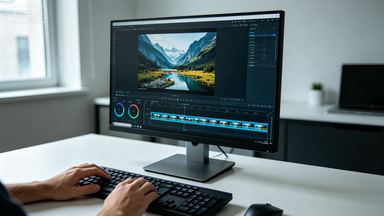
SeedanceE2 is built as an all-in-one AI video workspace where creators can use text-to-video and image-to-video across multiple model options. The current workspace includes Seedance 2.0, Wan, Kling, Veo, Sora, and more, so product teams can test draft speed, motion quality, and polish level without rebuilding the same idea in separate tools.
This guide focuses on a practical question: when should you use Seedance 2.0, Wan, or Kling for product motion?
Start With the Asset, Not the Model
Before picking a model, look at the asset you already have.
If you have only a campaign idea, begin with Text to Video. Use it to explore mood, setting, and camera language.
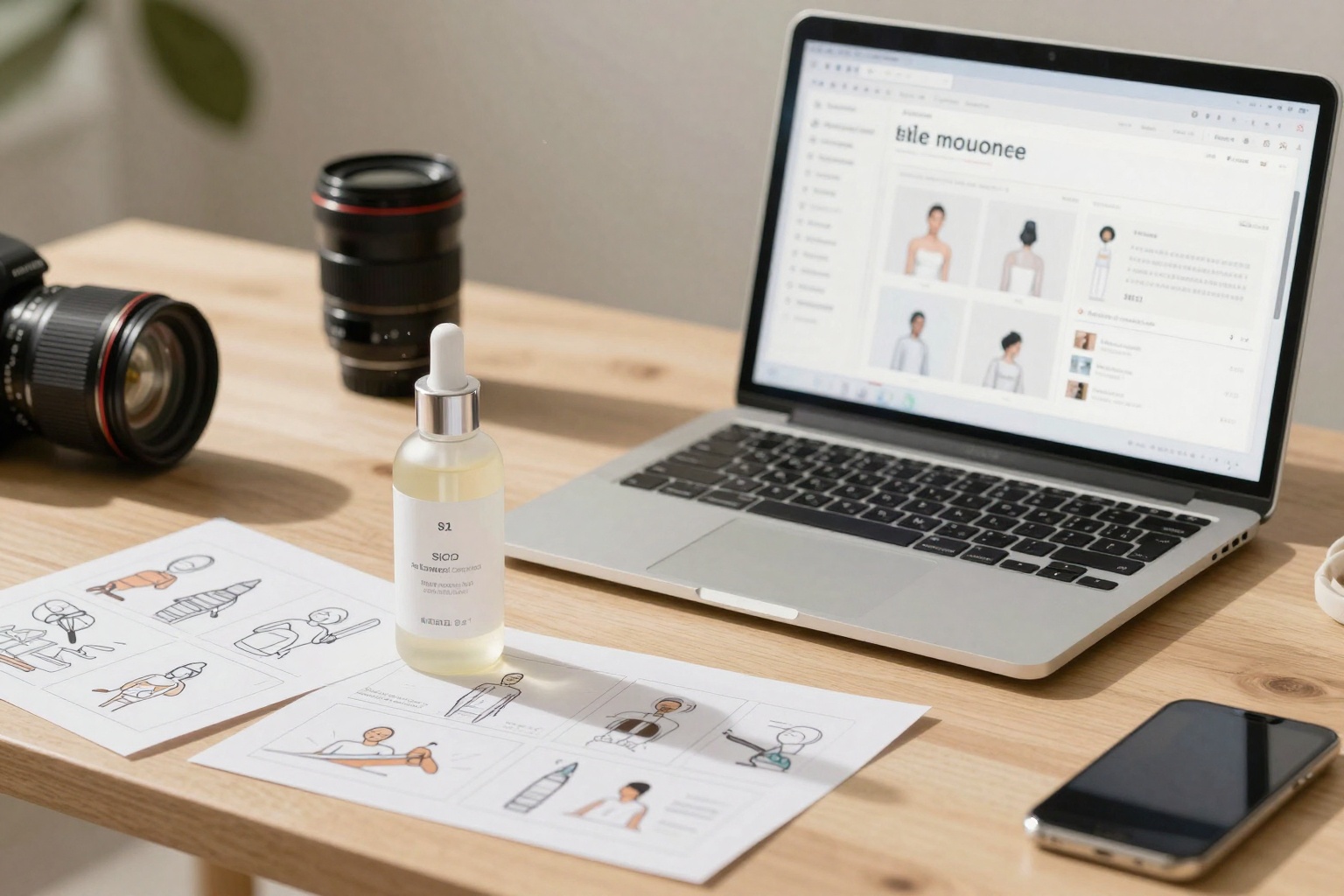
If you already have a product photo, package render, poster, or hero visual, begin with Image to Video. Product motion depends on preserving shape, label position, color, and composition. A reference image gives the model a stronger anchor than text alone.
A simple decision rule:
- Use text-to-video when you are exploring what the campaign could look like.
- Use image-to-video when the product must stay recognizable.
- Use model comparison only after the input and creative goal are clear.
When Seedance 2.0 Is the Right Baseline
Use Seedance 2.0 as your baseline when you want balanced cinematic generation across text and image workflows.
It is a strong starting point for:
- Product hero shots
- Clean camera push-ins
- Brand campaign concepts
- Product reveal scenes
- Short visual drafts that need to look polished
- Image-guided clips where the source frame matters
Prompt example:
Preserve the product shape, label placement, and package color. Add a slow camera push-in with soft studio reflections, shallow depth of field, and premium skincare commercial lighting. Keep the background clean, no extra objects, no label distortion.
Seedance 2.0 is useful here because the prompt asks for controlled motion rather than a full redesign. The model has a clear job: keep the product stable and make the shot feel alive.
When Wan Is Better for Drafting
Wan is useful when you want fast, practical generation for daily creative testing. In SeedanceE2, Wan 2.6 and Wan 2.7 are positioned for standard generation, product motion, and fast drafts.
Use Wan when you need:
- Early product motion concepts
- Multiple ad variations
- Social thumbnails or rough directions
- Low-to-mid cost experimentation
- Quick tests before choosing a final shot
Wan is a good fit when the team is still deciding which direction deserves more polish. Instead of spending too much time perfecting one prompt, generate several controlled variations and compare which visual idea is worth upgrading.
Draft prompt:
Animate this product photo with a gentle turntable-style camera move, subtle light sweep across the packaging, clean e-commerce studio look, short social ad pacing, no new props, no warped text.
When Kling Is Worth Testing
Kling is worth testing when the shot needs stronger motion behavior or a more premium generation pass. SeedanceE2 positions Kling 2.6 and Kling 3.0 options around image-to-video and text/image generation, with higher cost tiers than draft-oriented models.
Use Kling when you need:
- More expressive camera movement
- A polished final ad direction
- Complex product motion
- A stronger visual pass after drafting
- Variants where native audio or richer generation behavior matters
For product clips, keep the prompt grounded. Do not ask the model to change the product, invent a new set, and perform a complicated camera move in the same run.
Better prompt:
Keep the uploaded product exactly recognizable. Add a slow orbit from left to right, controlled studio lighting, soft reflection on the table, premium launch film look, no extra packaging, no hands, no text distortion.
A Practical Product Motion Workflow
A reliable SeedanceE2 workflow looks like this:
- Use Text to Video to explore creative directions if you do not have a finished visual.
- Pick or create one strong product frame.
- Use Image to Video for the product motion pass.
- Start with Seedance 2.0 as a balanced baseline.
- Use Wan for fast draft variations.
- Use Kling for selected shots that need extra polish or stronger motion.
- Compare output quality against the actual channel: paid social, landing page, e-commerce page, or internal review.
What to Judge in the Result
Do not judge product videos only by whether they look impressive. Judge whether they are usable.
Check:
- Is the product shape stable?
- Is the label readable or at least not distorted?
- Does the camera move support the product instead of stealing attention?
- Does the first second communicate the offer or category?
- Does the shot match the brand mood?
- Is the output worth the credit cost for this stage?
For early drafts, speed and variation matter more. For final ad assets, stability and polish matter more.
Recommended Internal Links
- SeedanceE2 AI Video Generator
- Text to Video
- Image to Video
- SeedanceE2 Showcase
- Pricing and Credits
- SeedanceE2 Blog
Final Takeaway
For product motion, the best model is the one that matches the production stage.
Use Wan when you need fast drafts. Use Seedance 2.0 when you need a balanced baseline for cinematic product motion. Test Kling when a selected shot needs stronger motion or a more polished final pass.
SeedanceE2 is useful because these choices happen inside one workspace. That lets marketing teams move from rough idea to usable video without rebuilding the same campaign across separate tools.