Seedance 2.0 is the safest baseline inside the multi-tool workspace when you want clean prompt-guided motion.
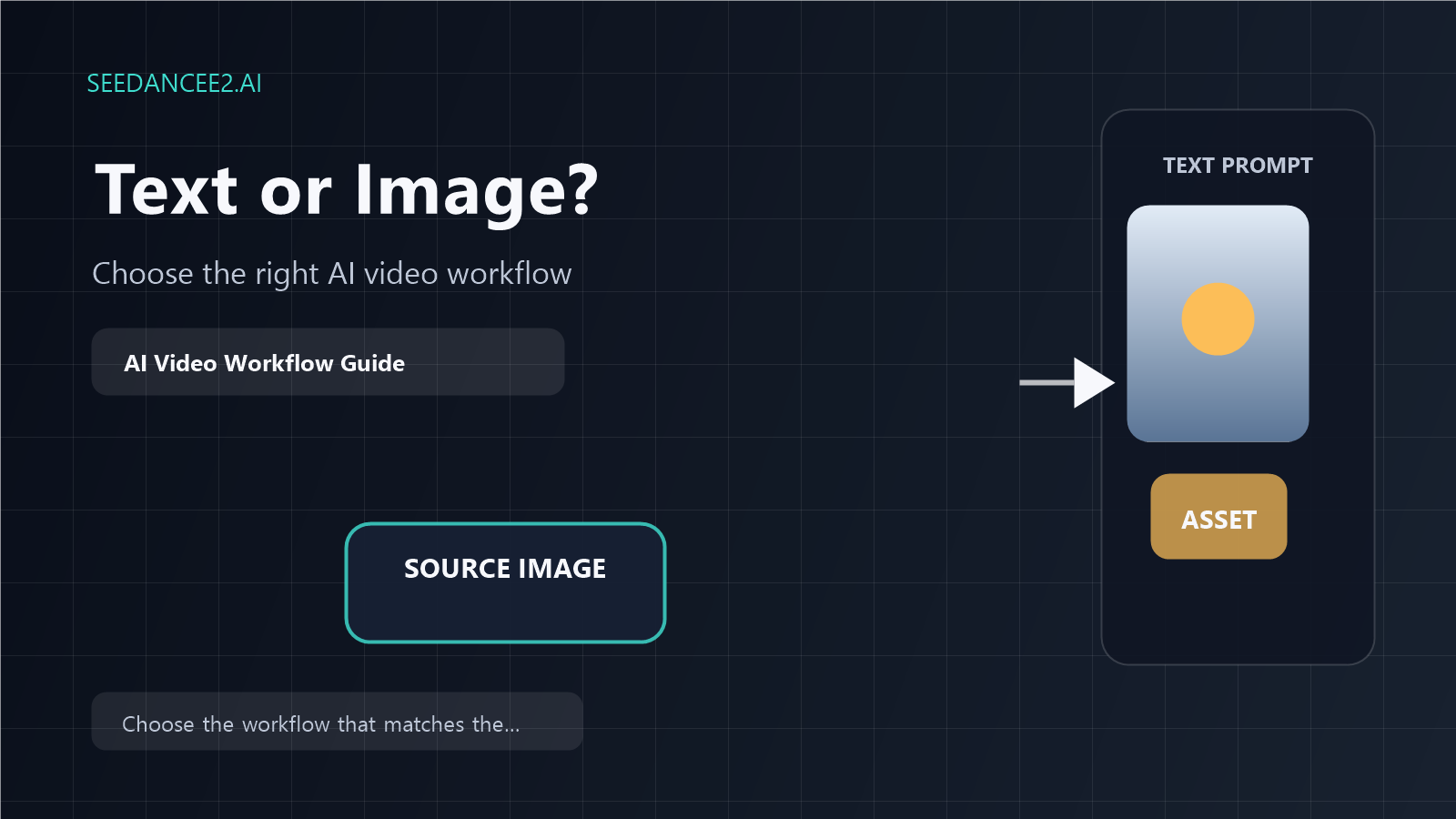
Text to Video vs Image to Video: Which Workflow Should You Use in SeedanceE2?
SeedanceE2 is no longer just a single-model AI video page. It now works as a multi-tool video generation platform where creators can start from text prompts, source images, sketches, product visuals, or campaign ideas and turn them into cinematic video assets.
That makes one question more important than before:
Should you start with text to video or image to video?
Both workflows are useful, but they solve different problems. Choosing the right starting point helps you get better output, spend credits more efficiently, and move faster from idea to publishable clip.
This guide explains when to use each workflow inside SeedanceE2, how to prompt them properly, how Seedance 2.0 fits into the workflow, and how to connect them to real marketing use cases.
What Is Text to Video?
Text to video is the best workflow when you want to start from an idea rather than an existing visual.
On the Text to Video page, SeedanceE2 positions this workflow as prompt-first generation for concepts, storyboards, and cinematic drafts. You describe the subject, action, scene, camera movement, and style, then generate a video from that written direction.
Use text to video when you need:
- A fast concept from scratch
- Storyboard ideas before a campaign is designed
- Cinematic scenes without existing assets
- Multiple creative directions for the same idea
- Early-stage visual exploration
Example prompt:
A cinematic close-up of a luxury skincare bottle on a reflective surface, soft morning light, slow camera push-in, water droplets on glass, premium beauty commercial style, clean background.
This works because it defines the subject, motion, lighting, and style clearly.
What Is Image to Video?
Image to video is the better workflow when you already have a visual asset and want to animate it.
On the Image to Video page, SeedanceE2 describes this as an image-first workflow for product stills, portraits, posters, and AI visuals. You upload a frame, then guide the motion with a prompt.
Use image to video when you need:
- Product videos from existing photos
- Character or portrait animation
- Campaign visuals with brand consistency
- Motion from posters, graphics, or sketches
- More control over the first frame
Example prompt:
Preserve the product shape and packaging. Add a slow camera orbit with soft studio reflections, subtle light movement across the label, premium product commercial style, no extra objects, no text distortion.
This works because the image provides the anchor, while the prompt defines how the scene should move.
The Simple Rule
Use text to video when the idea matters more than the starting image.
Use image to video when visual consistency matters more than open-ended exploration.
If you are brainstorming, start with text. If you are turning a real asset into a video, start with an image.
Best Use Cases for Text to Video
Campaign Concepts
Text to video is strong when a team needs to compare different creative angles before choosing a campaign direction.
You can generate variations around:
- Mood
- Setting
- Camera movement
- Visual style
- Product context
- Story direction
Storyboards
If you do not yet have finished visuals, text to video can help you produce storyboard-like clips for discussion.
This is useful for:
- Creative reviews
- Pitch decks
- Brand direction tests
- Video production planning
Cinematic Scene Exploration
Text to video is also useful for testing cinematic ideas fast. Because SeedanceE2 supports prompt-first creation, you can start with a scene description and quickly explore camera language.
Best Use Cases for Image to Video
Product Marketing
Image to video is often the better choice for product teams because the product needs to remain recognizable.
Start with a clean product photo, then ask SeedanceE2 to add:
- Camera push-in
- Slow orbit
- Lighting movement
- Background atmosphere
- Subtle product reveal motion
Portraits and Characters
If subject identity matters, use an image as the starting point. The prompt should focus on motion while preserving appearance.
Example:
Keep the face, outfit, and pose consistent. Add subtle head movement, natural hair motion, soft cinematic lighting, shallow depth of field, no extra people.
Posters and Campaign Visuals
If your designer already made a static campaign visual, image to video can turn it into a motion asset for social media, landing pages, or ads.
The key is not to ask for a redesign. Ask for controlled motion.
How to Choose the Right Workflow
Ask these five questions before generating:
- Do I already have a strong image?
- Does the product or character need to stay consistent?
- Am I exploring ideas or producing a usable asset?
- Do I need multiple creative directions?
- Will this video be used in ads, social content, landing pages, or internal planning?
If you answer yes to consistency, use image to video. If you answer yes to exploration, use text to video.
Prompting Tips for Both Workflows
Good prompts are specific, but not overloaded.
Include:
- Subject
- Action
- Scene
- Camera movement
- Lighting
- Style
- Constraints
Avoid:
- Too many subjects
- Conflicting style words
- Requests for precise generated text
- Major redesigns when using image to video
- Vague phrases like "make it cool"
A strong prompt tells the system what to create, what to preserve, and what to avoid.
Recommended Internal Links
Conclusion
Text to video and image to video are both useful workflows inside SeedanceE2, but they are not interchangeable.
Use text to video when you want to explore a new idea from scratch. Use image to video when you want to animate an existing asset with more visual consistency.
For most teams, the strongest workflow is to use both: start with text to explore creative directions, then use image to video when you are ready to turn a selected visual into a polished campaign asset.
Start from SeedanceE2, choose the workflow that matches your input, and generate the first version before over-planning the entire video.