How to Choose the Right AI Video Model in SeeDanceE2
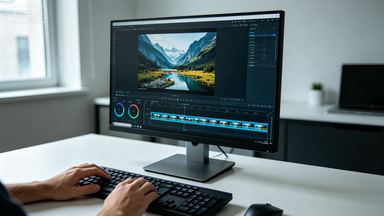
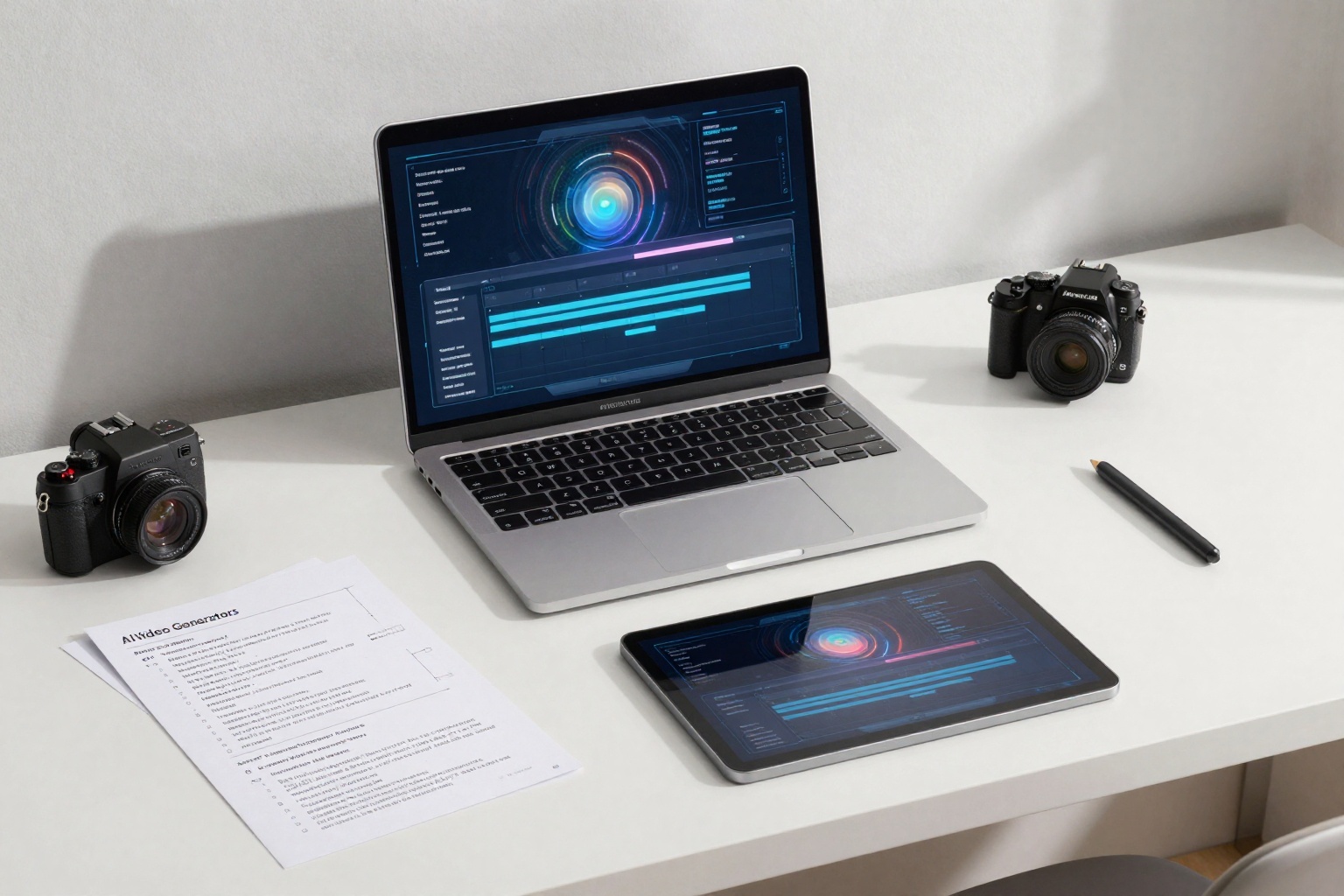
SeeDanceE2 is moving from a single-model story to a broader AI video workspace. The practical question is no longer only whether a model can generate a clip. The useful question is which model fits the job, the source material, the speed target, and the credit budget.
Start with the job
Use faster and lower-cost options for drafts, prompt exploration, and short social tests. Use premium or higher-motion options when the clip needs stronger cinematic motion, polished product movement, or a higher-value campaign output.
Match the input
Text-to-video is best when you are building a scene from scratch. Image-to-video is better when the product, person, poster, or first frame must stay visually anchored while motion is added.
Check credits before generating
Credits are shared across supported workspace models. Before submitting a job, review the workspace estimate based on model, generation type, quality, duration, and number of outputs.
Keep a repeatable workflow
Start with one draft, compare the motion and composition, then move the best prompt or reference image into a higher-value generation path. That keeps experiments controlled while still giving room for premium results.