What Is an AI Video Generator? Complete Guide for Beginners
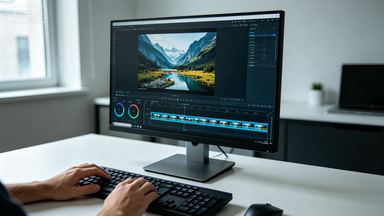
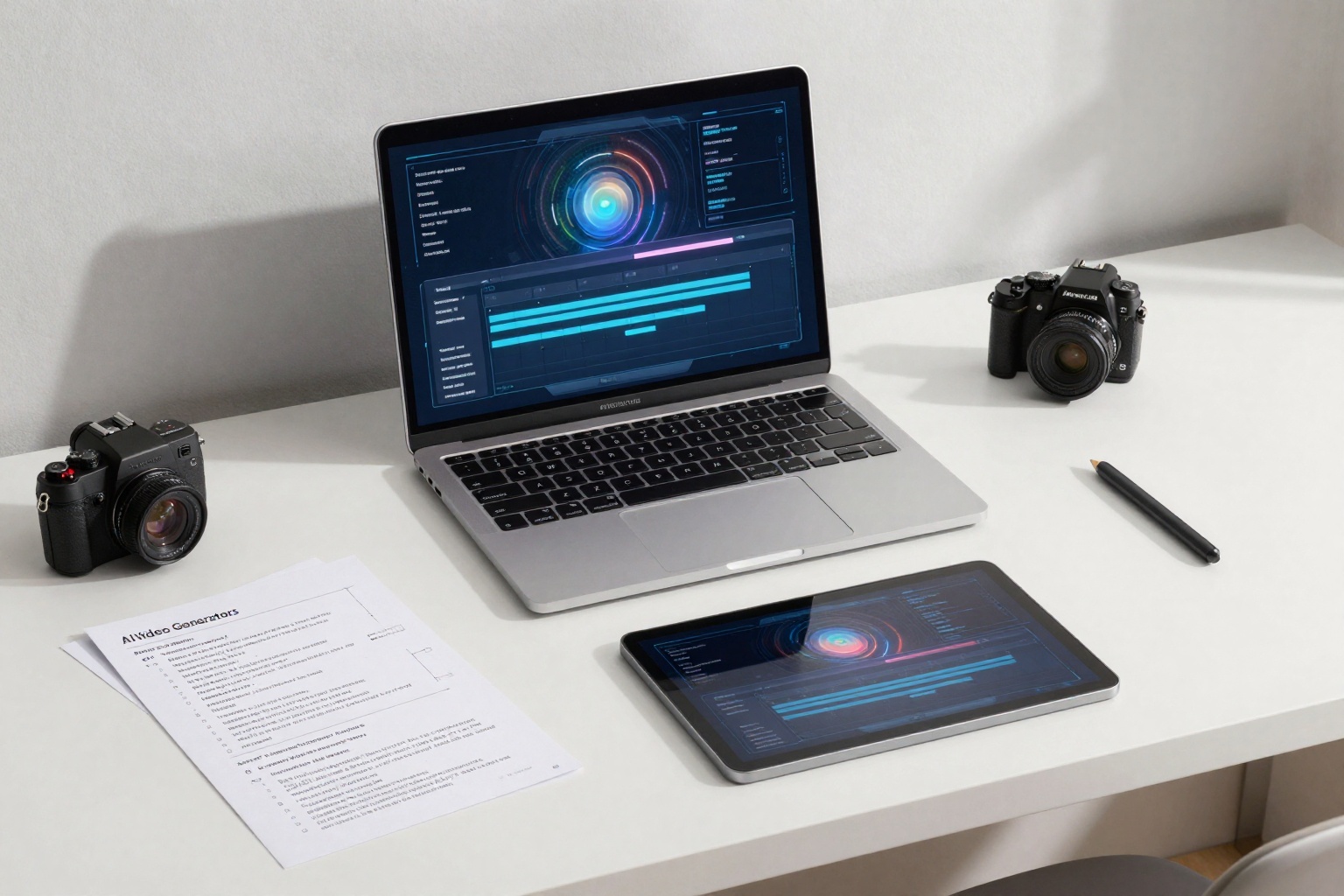
An AI video generator is a tool that turns prompts, images, or other creative inputs into video clips. Instead of starting with a camera crew, editing timeline, and motion design software, creators can describe a scene or upload a reference image, then generate a short video from that direction.
That does not mean AI replaces planning. The best results still come from clear creative decisions: the subject, camera movement, lighting, motion, aspect ratio, and intended use.
SeedanceE2 is built for this workflow. It gives creators access to text-to-video, image-to-video, and multiple AI video models in one workspace, including Seedance 2.0, Wan, Kling, Veo, Sora, and more. This makes it easier to move from idea to video without switching tools for every test.
What Does an AI Video Generator Do?
An AI video generator creates moving footage from a written prompt, an uploaded image, or a combination of both.
The most common workflows are:
- Text to video: describe the video you want in words.
- Image to video: upload a starting image and tell the model how it should move.
- Multi-model generation: test the same creative idea across different models.
- Prompt refinement: adjust the subject, camera, lighting, and constraints until the clip fits your goal.
For example, a marketer can write a prompt for a product launch teaser. A filmmaker can test a short establishing shot. An e-commerce team can animate a product image into a social ad.
Text to Video vs Image to Video
Text-to-video is best when you are starting from an idea.
Use Text to Video when you need a new visual concept, a storyboard draft, a cinematic scene from scratch, multiple creative directions, or fast idea exploration.
Image-to-video is best when you already have a visual asset.
Use Image to Video when you need product motion from a still photo, character animation from a reference image, poster animation, more control over the first frame, or better visual consistency.
A simple rule: use text-to-video when the idea matters most. Use image-to-video when the starting visual matters most.
Why Seedance 2.0 Matters
Seedance 2.0 is useful as a balanced baseline for creators who want cinematic motion from text or image prompts. Inside SeedanceE2, you can use Seedance 2.0 as a practical starting point, then compare other available models when you need a different style, cost, or motion behavior.
This matters because no single model is perfect for every job.
A product ad needs stable packaging and controlled camera movement. A film concept may need stronger atmosphere. A social clip may need faster variation. SeedanceE2 helps by letting you treat model choice as part of the workflow instead of a separate research project.
How to Create an AI Video
Here is a beginner-friendly workflow:
- Choose your input. Start with text if you have only an idea. Start with an image if you need visual consistency.
- Define the subject. Say what should appear in the video.
- Add motion. Describe the action or environmental movement.
- Add camera language. Use terms like push-in, orbit, tracking shot, close-up, or wide shot.
- Add lighting and style. Keep this specific, not overloaded.
- Add constraints. Tell the model what to preserve or avoid.
- Generate, review, and refine.
Example prompt:
A premium skincare bottle on a clean reflective surface, slow camera push-in, soft morning light, subtle water droplets, shallow depth of field, elegant commercial style, no extra objects, no label distortion.
This prompt works because it gives the model a subject, setting, camera move, lighting, style, and constraints.
Common AI Video Use Cases
AI video generators are useful for marketing ads, product demo clips, social media hooks, e-commerce product motion, music video concepts, short film storyboards, pitch deck visuals, landing page hero videos, character scene tests, and creative direction exploration.
For businesses, the biggest advantage is speed. A team can test several directions before committing design, production, or ad budget.
What Makes a Good AI Video Prompt?
A good prompt is specific, but not stuffed with random style words.
Include subject, scene, action, camera movement, lighting, mood, style, and constraints.
Avoid too many subjects, conflicting styles, vague phrases like make it cinematic, requests for precise readable text, and major redesigns when using image-to-video.
If you upload a product image, the prompt should focus on motion and preservation, not reinventing the whole shot.
Recommended Internal Links
- SeedanceE2 AI Video Generator
- Text to Video
- Image to Video
- SeedanceE2 Showcase
- Pricing and Credits
- SeedanceE2 Blog
FAQ
Is an AI video generator good for beginners?
Yes. Beginners can start with simple prompts and improve results by adding camera movement, lighting, and constraints.
Should I use text-to-video or image-to-video?
Use text-to-video for idea exploration. Use image-to-video when you already have a product photo, character image, poster, or campaign visual.
Can AI video generators make product ads?
Yes. Product ads are one of the strongest use cases, especially when you start from a clean product image and use controlled motion prompts.
Which model should I start with in SeedanceE2?
Seedance 2.0 is a strong baseline for balanced cinematic generation. You can then compare other available models inside SeedanceE2 for different use cases.
Final Takeaway
An AI video generator turns creative inputs into motion. The best results come from clear workflow choices, not from longer prompts.
Start with SeedanceE2, choose text-to-video or image-to-video based on your input, use Seedance 2.0 as a balanced baseline, and refine the result toward the channel you care about.